
Character Image Generation by storyteller
Character Image Generation
There’s many ways you can go about generating character images and emotions. I’ll be going through my process for generating characters specifically with Gemini’s Nano Banana/Nano Banana Pro. You’ll have varying levels of success using other image generation tools using this guide.
Nano Banana and Nano Banana Pro are great at generating specific character images and replacing them with different emotions and poses.
Generally, getting a character to be framed correctly is time consuming and annoying to do specifically through image generation. It’s better to open up your favorite image editing software and frame the character you want. Then ask it to redraw the image at a higher quality.
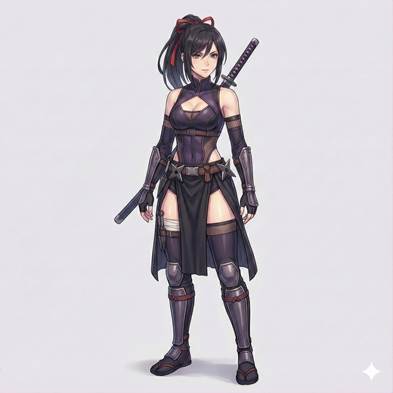
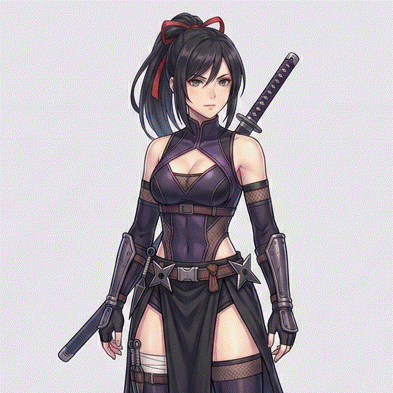
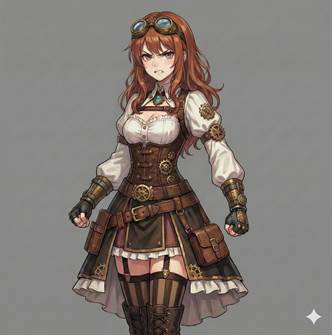
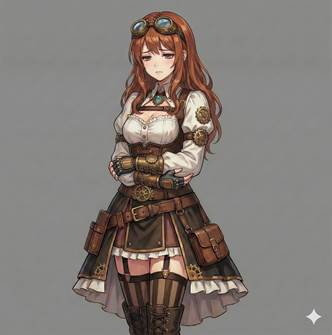
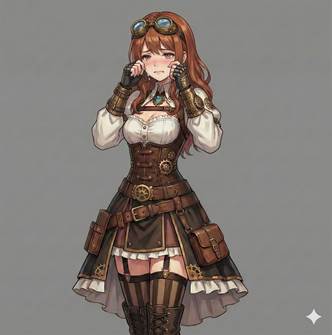
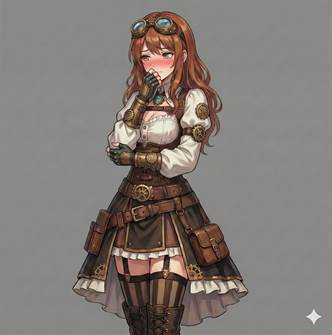
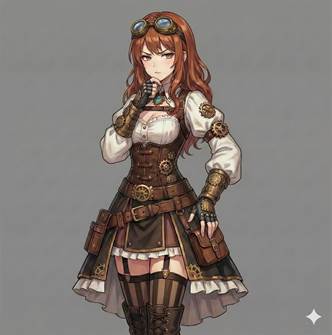
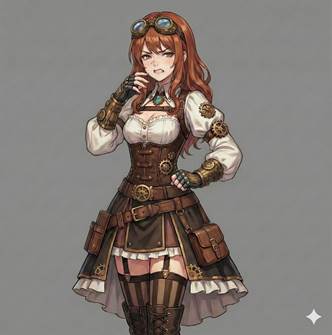
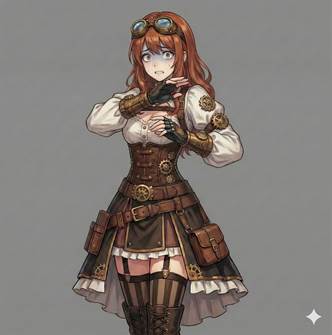
My process for generating different emotions is very simple and straightforward. It is the same process for every single one of my published characters. Here are the prompts I use for each emotion:
|
# |
Emotion / Pose |
Prompt |
Output |
|
1 |
Neutral |
Base Image |
|
|
2 |
Happy |
make her happy, change her pose to happy, no waving, standing, no special effects, gray background |
|
|
3 |
Laughing |
make her laughing, change her pose to laughing, standing, no special effects, gray background |
|
|
4 |
Angry |
make her angry, change her pose to angry, standing, no special effects, gray background |
|
|
5 |
Sad |
make her sad, change her pose to sad, no crying, standing, no special effects, gray background |
|
|
6 |
Crying |
make her crying, change her pose to crying, standing, no special effects, gray background |
|
|
7 |
Embarrassed |
make her embarrassed, change her pose to embarrassed, standing, no special effects, gray background |
|
|
8 |
Suspicious |
make her suspicious, change her pose to suspicious, standing, no special effects, gray background |
|
|
9 |
Disgusted |
make her disgusted, change her pose to disgusted, standing, no special effects, gray background |
|
|
10 |
Scared |
make her scared, change her pose to scared, standing, no special effects, gray background |
|

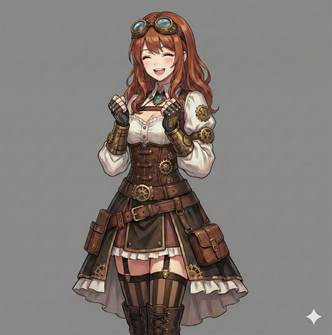
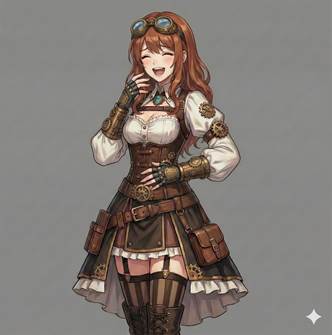
Once you have your character images, you’ll need to remove the background. You can do this through Isekai Zero’s background remover or by going directly to 851 Labs. I prefer doing it directly from 851 Labs to preserve image quality.
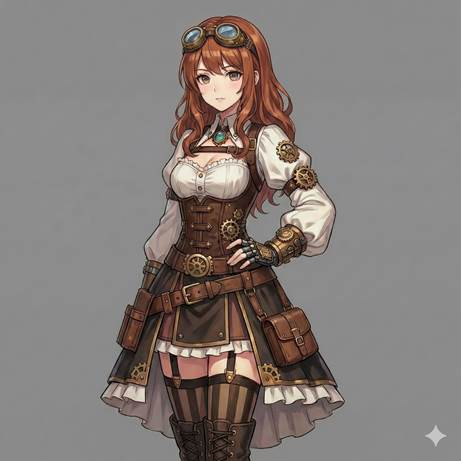
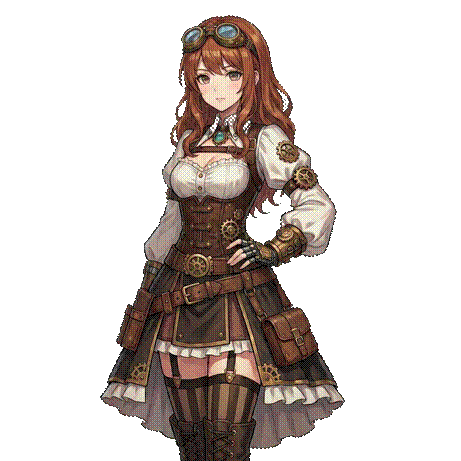
Sometimes it isn’t able to remove the background completely or it’ll make something semi transparent that shouldn’t be. You can go into your favorite image editing software to edit those bits out yourself.
Now all you have left to do is upload the images and use them in your own storyline! Thanks for reading!
If this guide was helpful to you, please consider following me! Thank you!
My Profile: https://www.isekai.world/creator/6943d11eb7f69f1529dd29c4