
Cover Page Creation by storyteller
Cover Page Creation by storyteller
So you want to make a cover image for your storyline? The process is very simple and easy.
I have used Gemini’s Nano Banana Pro and ChatGPT to generate cover images. I find ChatGPT’s compositions to be much better than Gemini, but Gemini’s title graphics seem to be much better overall.
Here is the prompt I used in Gemini and ChatGPT with the same character images:
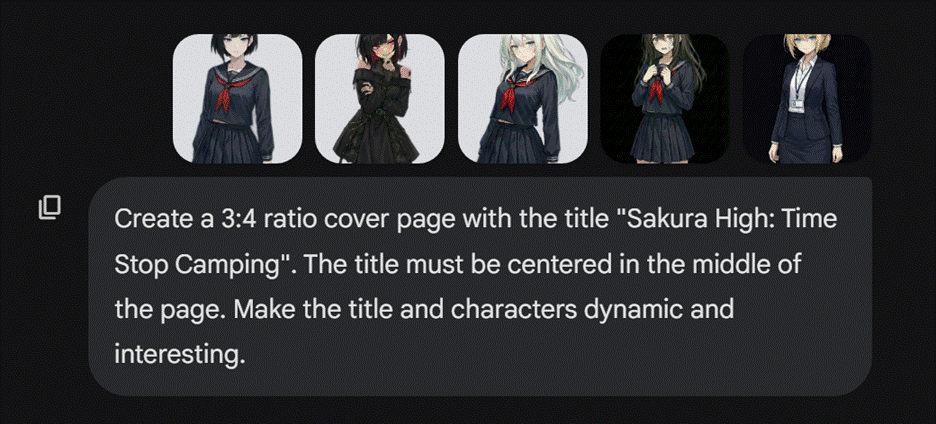
|
ChatGPT |
Gemini (Nano Banana Pro) |
|
|
|
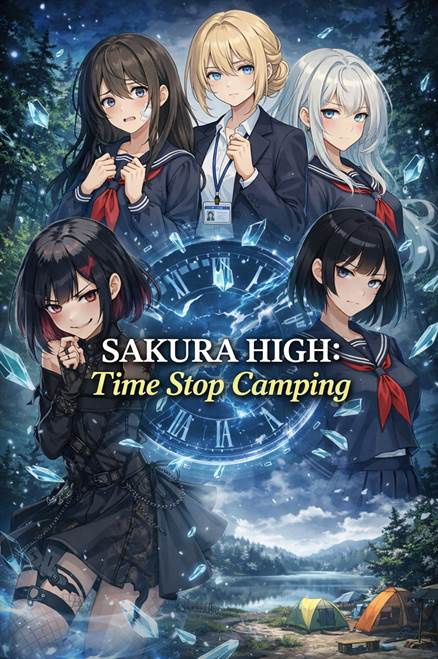
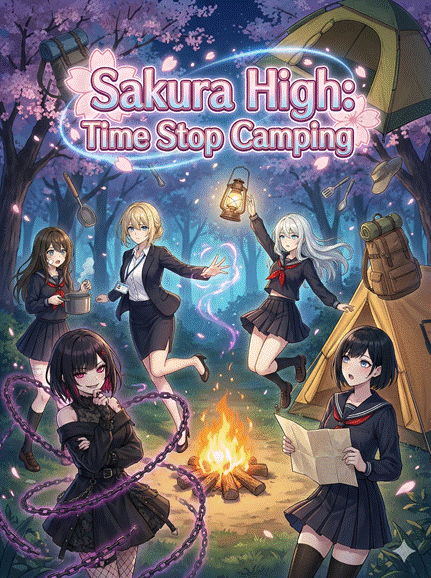
I like ChatGPT’s composition better, but the title is terrible. I told ChatGPT to remove the title from the cover page:
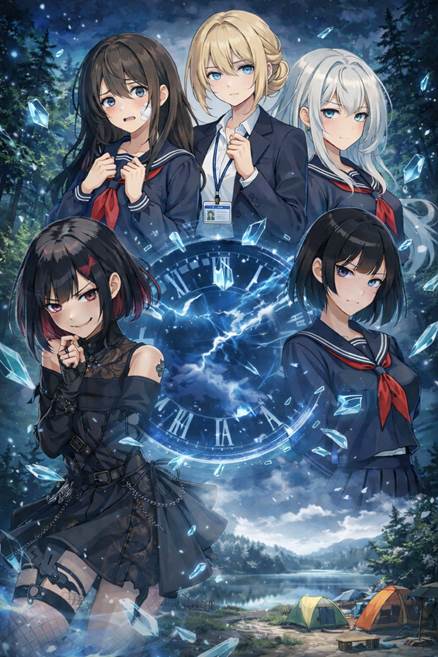
Next, I asked Gemini to create a title for me based on the image.
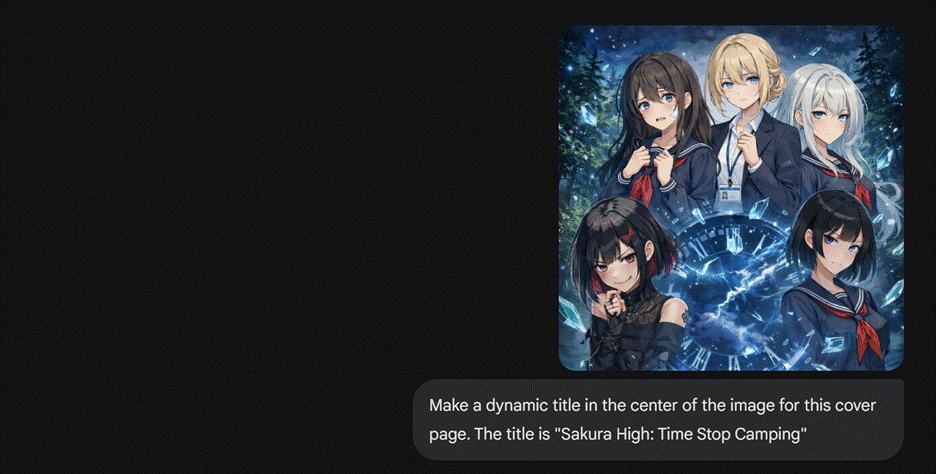
Here is the final result:
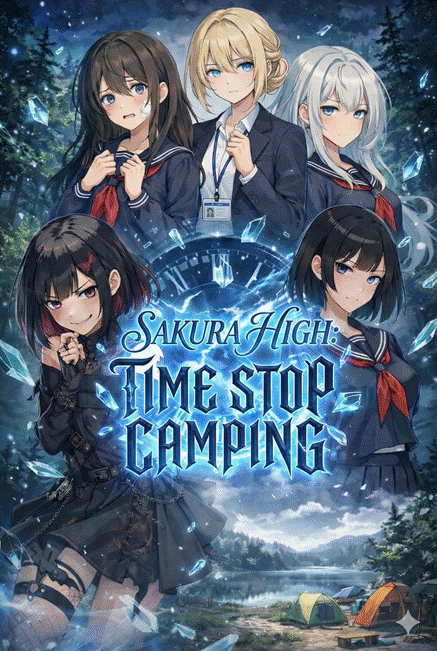
Finally, you can edit out the gemini symbol at the bottom left in your favorite image editing software or upload it to Isekai Zero and ask the built-in image editor to remove it for you.
If the generated image wasn’t to your liking, just keep generating a new image until you find something you like.
If this guide was helpful to you, please consider following me! Thank you!
My Profile: https://www.isekai.world/creator/6943d11eb7f69f1529dd29c