Chat Overview
Chat Overview
First thing we see here is the overview screen, in it we have:
- Current LLM
- Guidance Prompt
- Chat Settings
- Summarization
LLM (Large Language Model)
The LLM (Large Language Model) screen is going to be where you pick which AI you want to run your stories, this decision can be important as each LLM has its own context limit, personality, and cost:
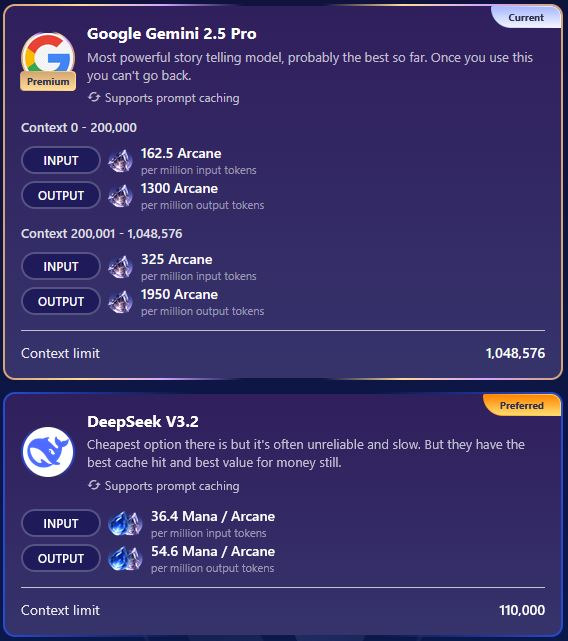
As you can see, Google Gemini 2.5 Pro has a significantly higher context limit than Deepseek V3.2, but also comes with a steeper cost. More about Tokens and Context here: What Are Tokens? | ISEKAI ZERO
Guidance Prompt
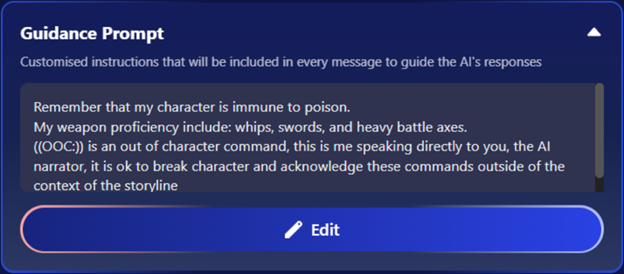
The Guidance Prompt is unique to each storyline and is a custom prompt you can add to modify your chat experience. This prompt will be added to the end of each of your messages and can be used to remind the AI of important information about your character, NPCs you have encountered, important plot points, or to solve any problems you might be encountering with any specific storyline. In this example I have added a prompt to make the AI recognize OOC commands.
You can find more helpful prompts on our Discord!
Chat Settings
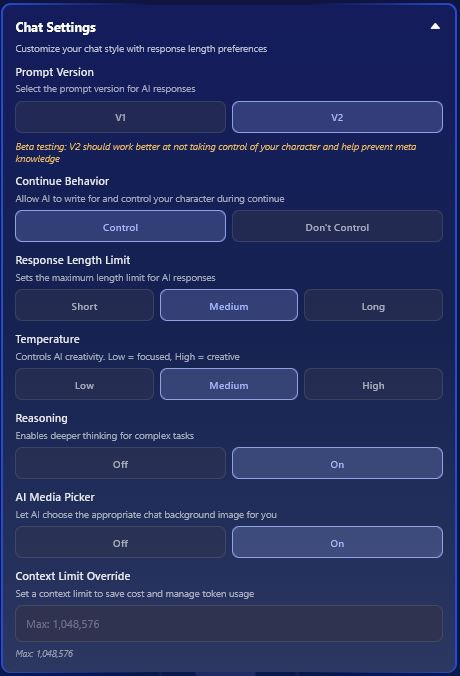
Prompt Version
- Prompt Version lets you pick between V1 and V2. These are going to be the main, back-end, prompts that are going to determine the way the AI responds to your messages.
- V1 is going to have less restrictive prompting, allowing for a more free form experience
- V2 contains prompts more geared towards role-play specifically
- The rest of the options are the same between V1 and V2, the only difference is if you choose V2 you have an additional option Continue Behavior.
Continue Behavior
- This tells the AI if it can speak for your character when you hit the continue button.
- This is great for those who do not want the AI acting for them in any way during their scenes.
Response Length Limit
- Response Length Limit is the same for both V1 and V2, and sets the limit for how many tokens the AI can use in a single response:
- Short ≈ 150 tokens
- Medium ≈ 300 tokens
- Long ≈ 500 tokens
Temperature
- The Temperature setting determines how creative the AI can be with its responses, this is basically the AI Imagination setting.
Reasoning
- The Reasoning toggle allows the AI to think deeper and complete more complex tasks.
AI Media Picker
- The AI Media Picker lets the AI pick the image that will appear behind your chat window, these images are selected from the list of available images the story creator has made available.
Context Limit Override
- This option lets you limit the token amount for the chat to keep from going over budget.
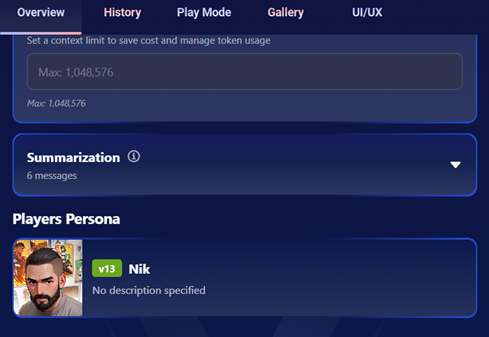
After that, we have Summarization in which had been covered full here:
Summarization and Arc | ISEKAI ZERO
After Summarization is the Players Persona, this shows you the character that you are currently playing as in the story.
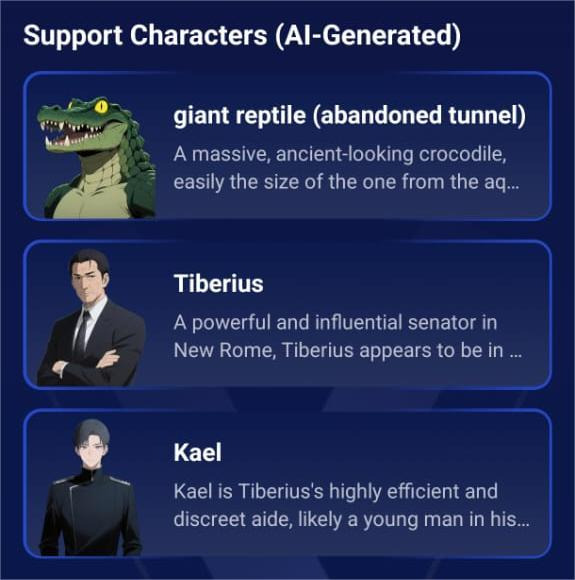
Any NPCs the AI has introduced will appear under Support Characters (AI-Generated) after Players Persona